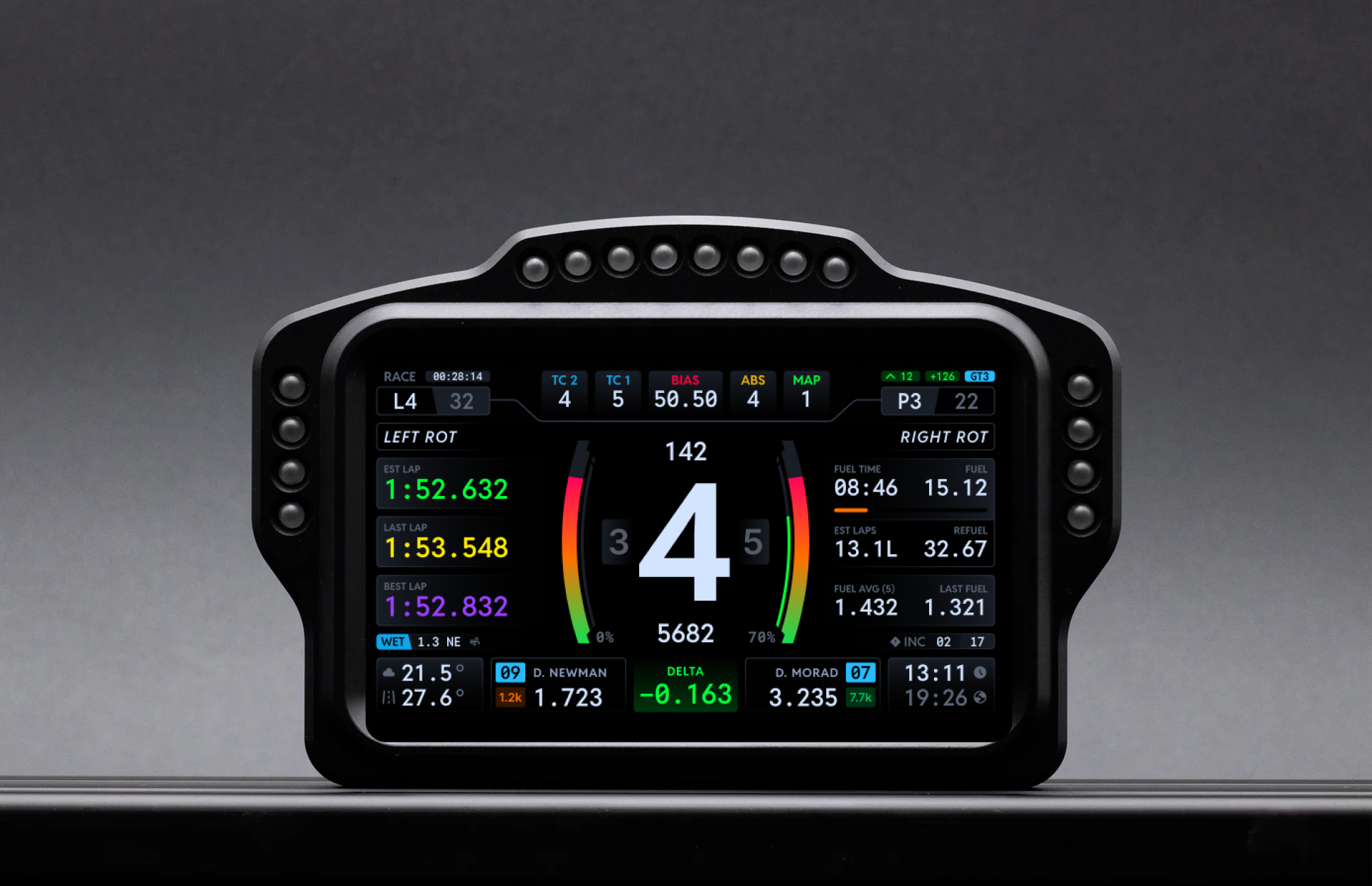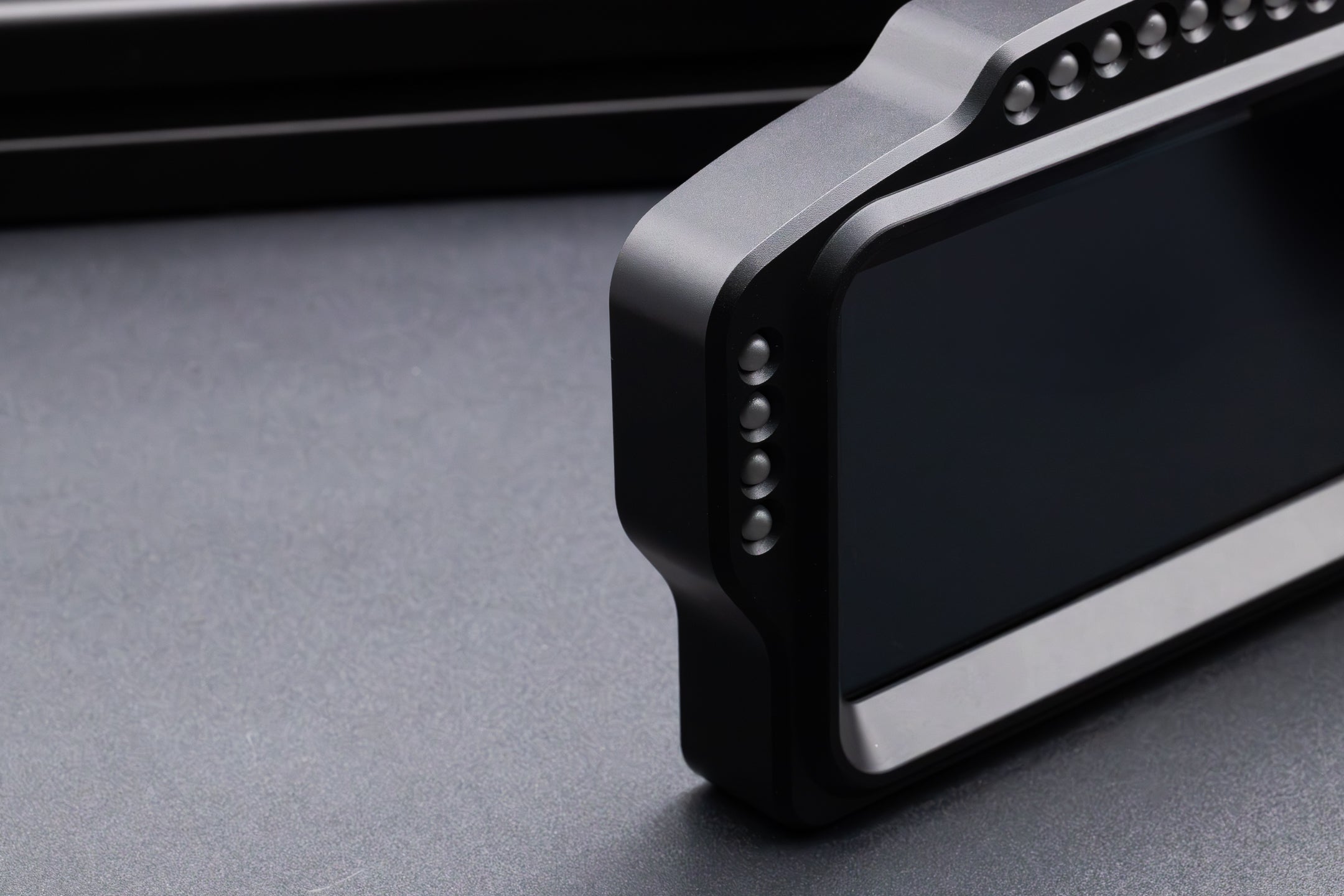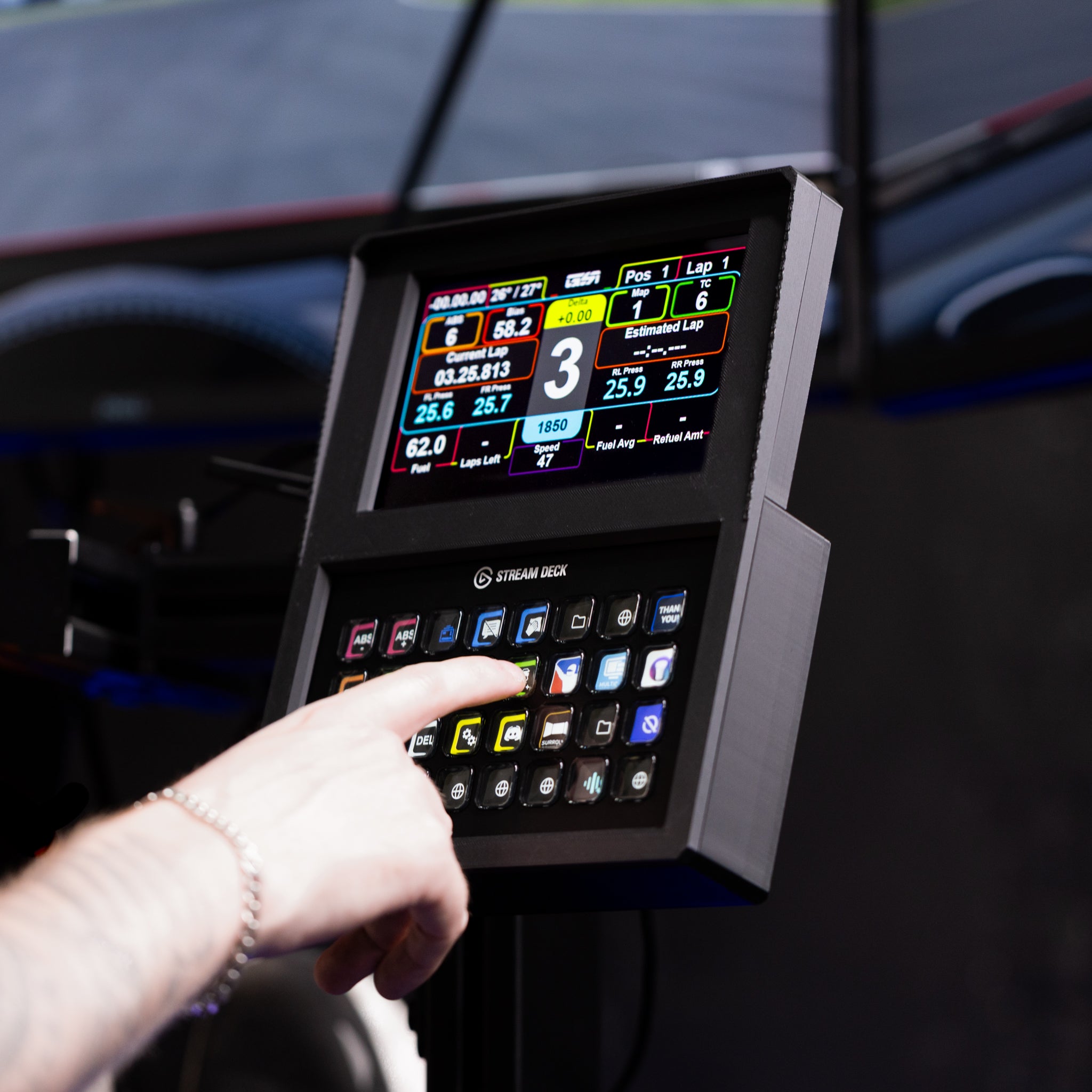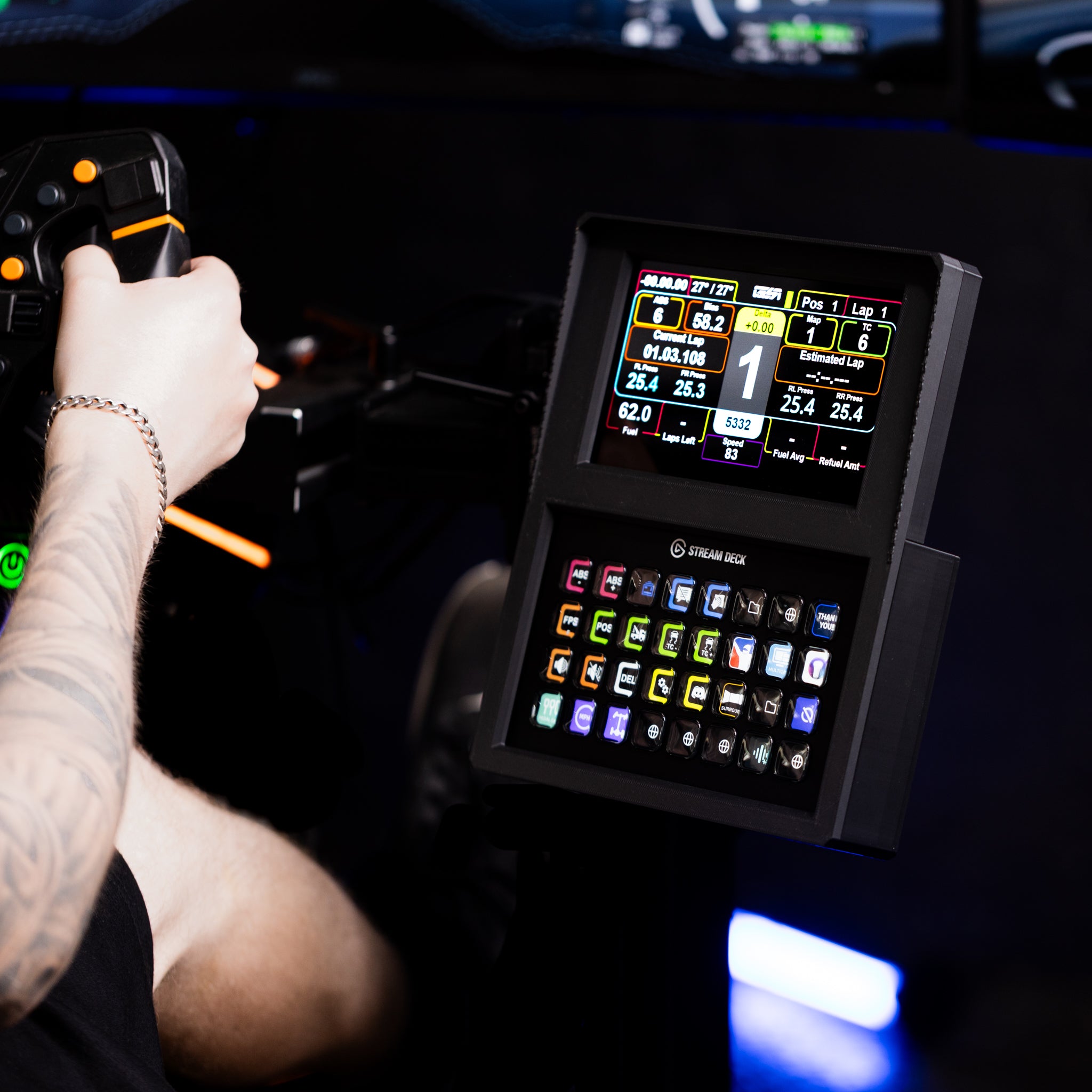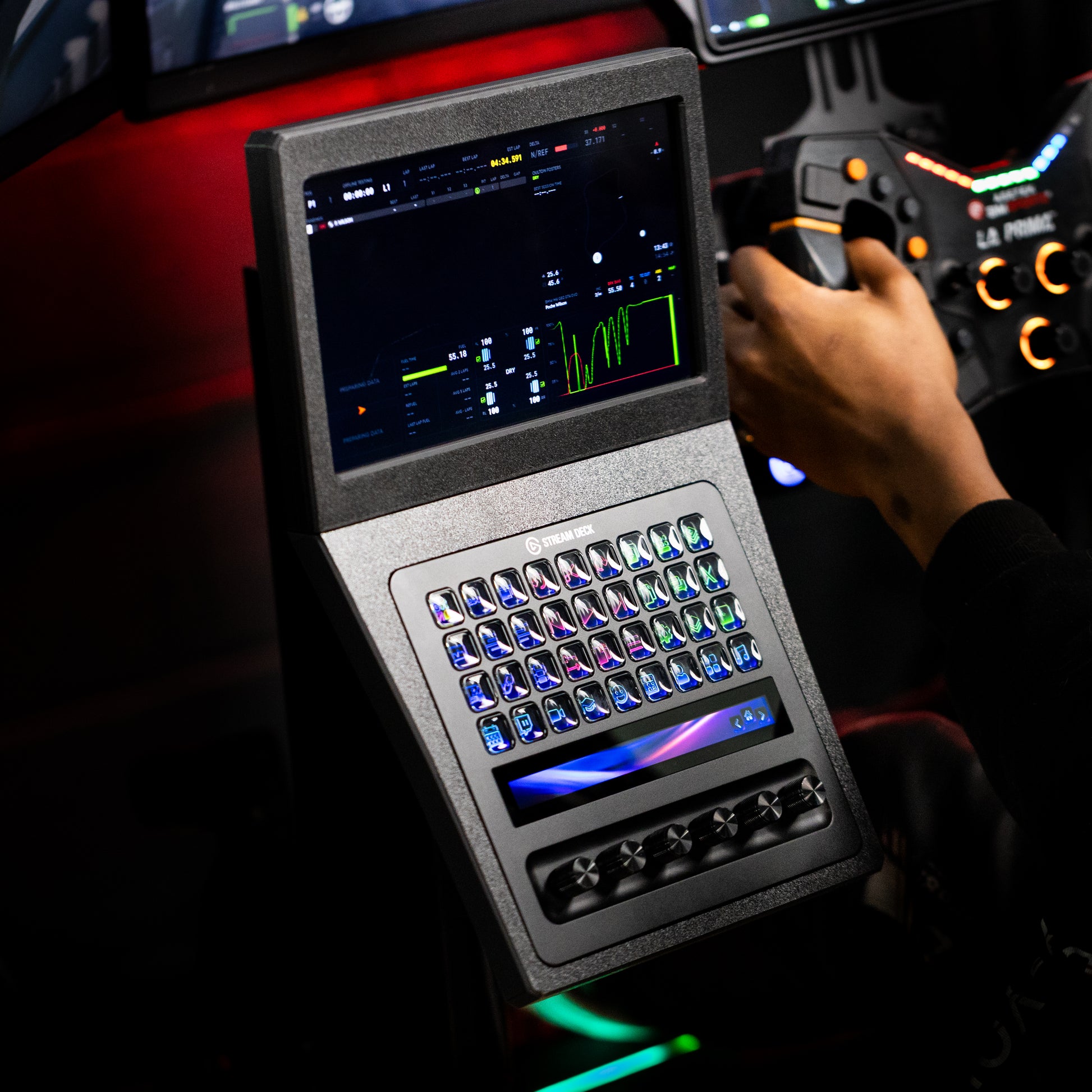
This article explains how to set up your SSG Dashboard Display DV-8, connect it to SimHub, configure the RGB LED light modes, and install your complimentary DNR Premium dashboard profiles.
Table of contents
1. What's in the box?
- SSG Dashboard Display DV-8 in a CNC machined aluminum enclosure
- USB-A to USB-C cable
- Mounting hardware
- DNR Premium access code card
Keep your DNR access code card handy. You will need it in section 4.
2. SimHub setup
Download and install SimHub. SimHub is free software that sends telemetry from your simulator to the DV-8. Download the latest version from simhubdash.com and run the installer.
Connect the DV-8 to your PC. Plug the included USB cable into the DV-8 and into a USB port on your computer. Use a port directly on your motherboard rather than a hub for the most reliable connection. The display powers on automatically. No HDMI cable or external power supply is needed.
-
Open Dash Studio. Launch SimHub and click Dash Studio in the left sidebar. The DV-8 appears as a connected screen device.
Screenshot placeholder: Dash Studio with the DV-8 detected
-
Set the screen resolution. Select the DV-8 in the device list and set the resolution to 1280 x 400. This is the native ultra wide resolution of the DV-8. Enable the option to start the screen automatically with SimHub.
Screenshot placeholder: SimHub screen settings at 1280 x 400
Load an ultra wide dashboard. The DV-8 uses ultra wide templates. Standard 16:9 dashboards will not fit correctly. Choose an ultra wide template from the SimHub library or use the DNR templates from section 4, which are built specifically for the DV-8.
Test with your simulator. Launch your sim and join a session. Telemetry appears on the DV-8 right away.
3. LED light modes
The DV-8 has 20 RGB LEDs with two control modes. SimHub Mode ties the LEDs to game telemetry for shift lights, flags, and warnings. App Control Mode lets you run ambient lighting effects from the iOS and Android app when you are not racing.
-
Configure SimHub LED output. In SimHub, open the Arduino section and select your DV-8. Map the 20 LEDs to your preferred functions such as shift indicator RPM bands, flag colors, and low fuel warning.
Screenshot placeholder: SimHub LED configuration for the DV-8
Install the companion app. Search for the SSG DV-8 app on the iOS App Store or Google Play Store. Open the app and it will find your DV-8 automatically.
Switch between modes. Use the mode button on the DV-8 or the app to toggle between SimHub Mode and App Control Mode. The DV-8 must be in SimHub Mode for race flags and shift lights to work during a session.
4. DNR profile setup
DNR Premium dashboards are included free with every DV-8 and are built for its 1280 x 400 ultra wide display.
Create a DNR account. Register on the DNR website with your email address.
Redeem your access code. Log in, open the redeem code section of your account, and enter the code from the card included in your DV-8 box. Your account is upgraded to Premium immediately.
-
Download the DV-8 dashboard pack. In the DNR dashboard library, search for SSG DV-8 and download the ultra wide pack.
Screenshot placeholder: DNR library showing DV-8 dashboards
Import the profiles into SimHub. Extract the download. In Dash Studio, click Import and select the dashboard files. Apply your chosen DNR dashboard to the DV-8 screen. The layout fills the full display edge to edge.
Import the matching LED profile. DNR also provides LED profiles that match each dashboard. Import the LED profile in the SimHub Arduino section for matched lighting behavior.
5. Troubleshooting
The display looks stretched or cropped.
Confirm the resolution in SimHub is set to exactly 1280 x 400 and that you are using an ultra wide template.
The LEDs do not respond during a session.
Make sure the DV-8 is in SimHub Mode and that your LED mappings are configured in the SimHub Arduino section.
The app cannot find the DV-8.
Your phone and PC must be on the same network. Check that your router does not have AP isolation enabled.
Still stuck?
Contact us with your order number and we will help you out.